
Step 1: Retrieve Your Coviu Waiting Area Link
Before setting up appointment reminders in Halaxy, first, access your Coviu Waiting Area link. This is the link your patients will use to join their telehealth appointments.
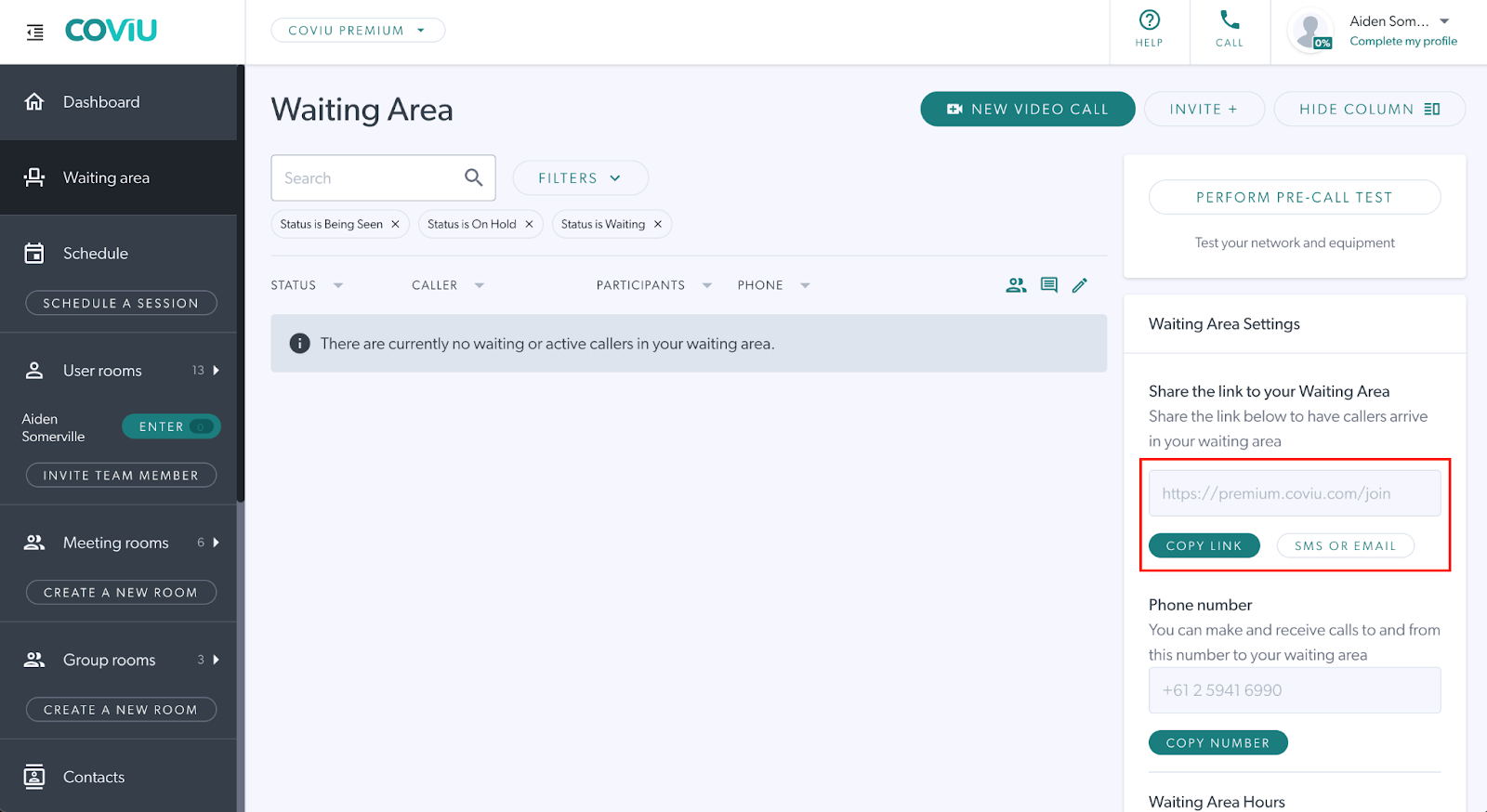
Note: If you haven’t created a specific "telehealth" appointment type yet, click here for instructions.
Step 2: Open Halaxy and Navigate to Reminders
Once you have your Coviu waiting area link, follow these steps to set up automated reminders in Halaxy:
- Go to Settings.
- Click on Reminders.
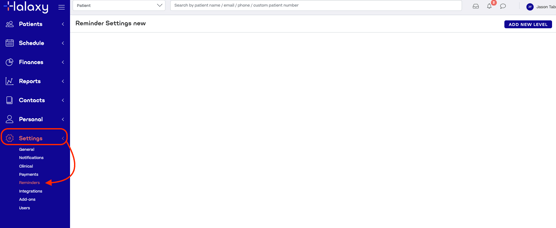
Step 3: Setup Reminder Settings
-
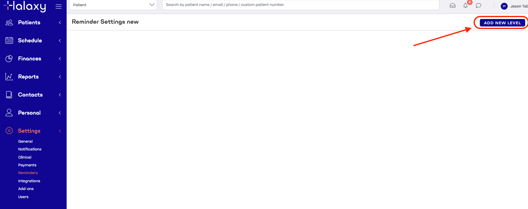
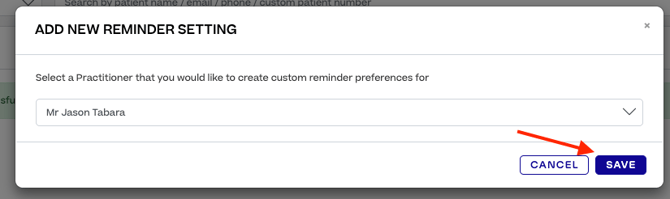
Click Add New Level
- Click Select Practitioner Dropdown
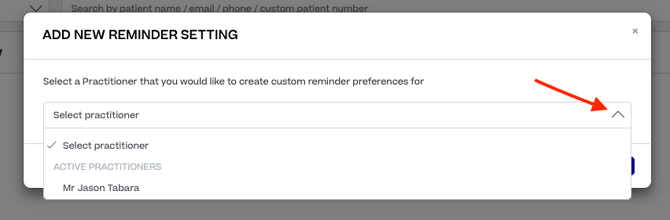
- Click Save
Step 4: Setup Appointment Reminders
-
Click the Pencil icon for each Appointment Type
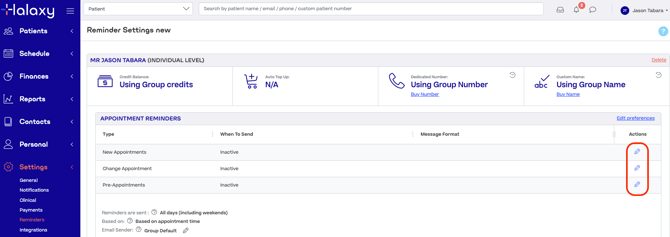
- After Clicking Edit follow the steps below.
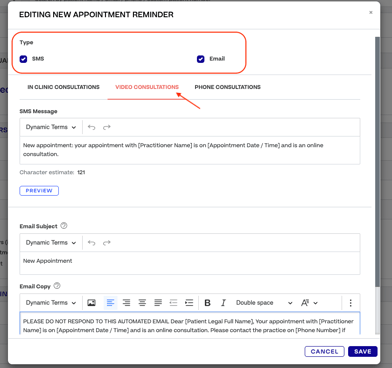
- Click Video Consultations
- Type: Tick SMS and Email
-
Update Email Copy and Paste your Coviu Waiting Area Link
- Click Save.
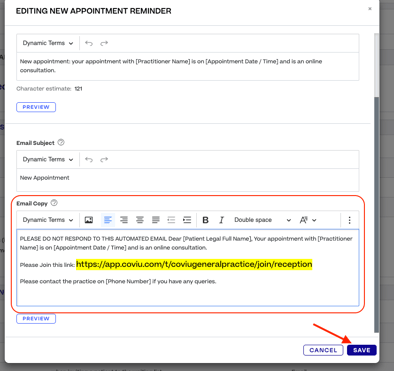
This will ensure that patients receive the appropriate link to join their telehealth appointments.