
You may see this page if:
- The appointment link contains a typo.
- You're using the wrong appointment link.
- The appointment link has expired.
- The room or waiting area is no longer available.
- The appointment is already open in another browser tab or on another device.
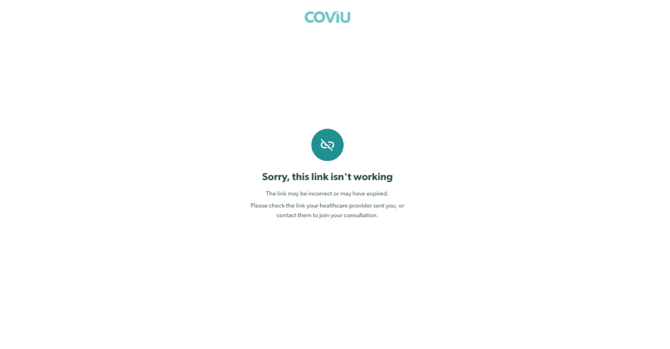
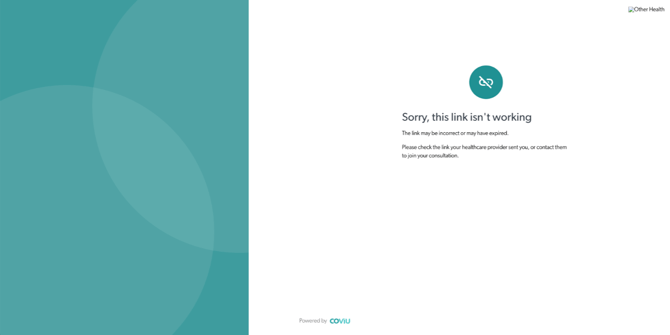
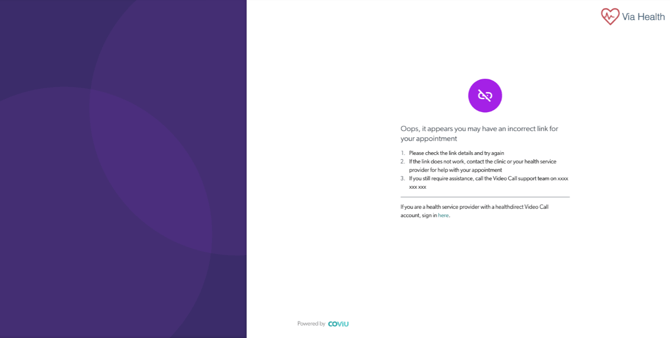
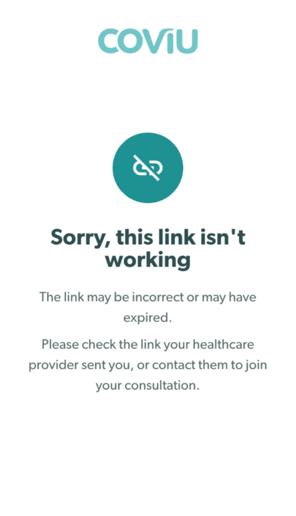
The error page is designed to clearly let you know that the appointment link isn't working and what you can do next.
What does this error page look like?
Desktop
-
Standard Coviu error page
- Enterprise-branded error page
Mobile
-
Standard Coviu error page
- Enterprise-branded error page
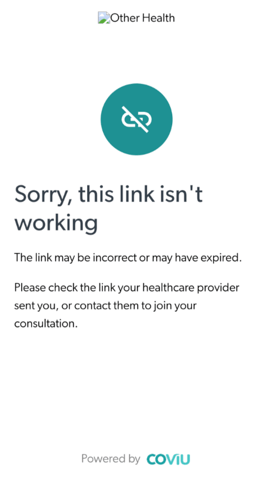
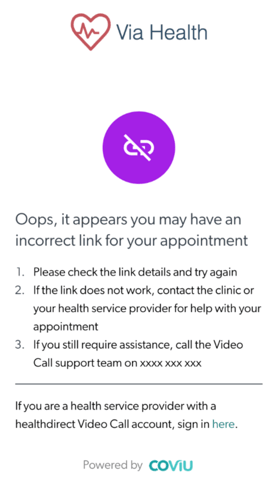
Depending on your healthcare provider, the colours, logo, and branding on the page may look different. The troubleshooting steps below are the same regardless of how the page appears.
Troubleshooting Steps
1. Check the web address
Make sure the web address is entered correctly.
For example, confirm that coviu is spelled correctly in the URL (not coivu) and that no characters are missing or have been added.
2. Make sure you're using your appointment link
Use the appointment link provided by your healthcare provider.
If you've accidentally opened a practitioner or staff login page instead of your appointment link, you'll need to return to your appointment email and open the correct link.
3. Check the clinic or practice name
Compare the clinic or practice name in your appointment email with the web address you're opening.
If they don't match, you may be using the wrong appointment link.
4. Open your most recent appointment email
If you've received more than one appointment invitation, use the link in the most recent email.
Older appointment links may no longer be valid.
5. Check if your appointment is already open
If you've already opened your appointment in another browser tab or on another device, return to that session or close the duplicate tab before trying again.
6. Contact your healthcare provider
If you've tried the steps above and your appointment link still isn't working, please contact your healthcare provider or clinic.
They can confirm you're using the correct appointment link or send you a new one if needed.
Need more help?
If you're unsure which appointment link to use, your healthcare provider is the best person to assist. They can confirm the correct link for your appointment and help you get connected.