
You may see the error "Could not create a PaymentIntent" when you try to charge a patient's saved card using Fast Payments. This article explains what it means and what to do next.
What does this error mean?
This error means the payment could not be processed using the card saved on the patient's Contact. The payment processor (Stripe) declined the charge.
The most common reasons are:
- Insufficient funds on the card
- The card has expired or been cancelled
- The patient's bank declined or blocked the payment
If the error only happens for one patient, it is almost always caused by that patient's card rather than your Coviu or Stripe setup.
How to fix it
- Contact the patient to let them know the payment didn't go through. Ask them to check with their bank, or to provide another payment method.
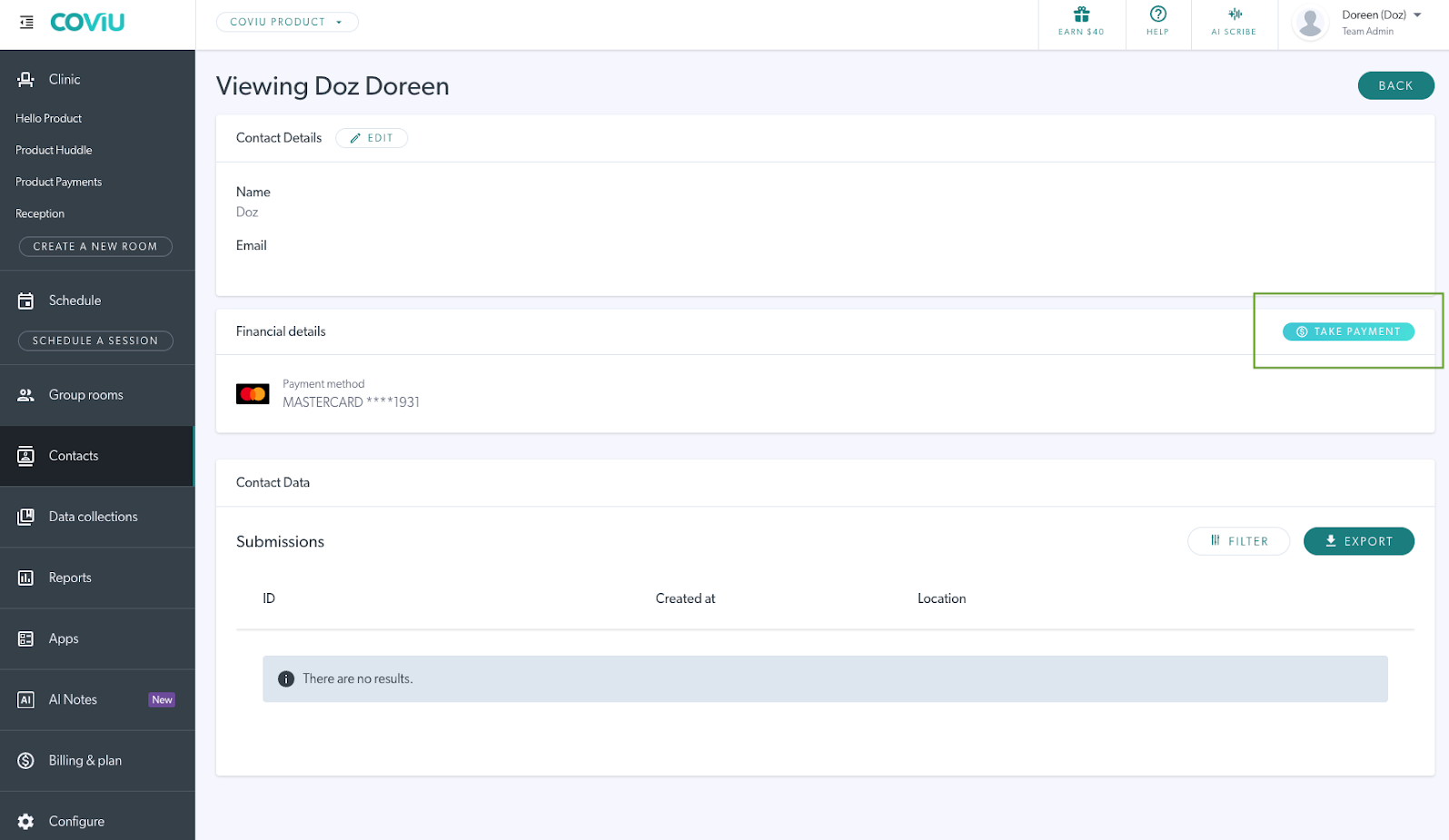
- Go to Contacts in the left-hand menu of your dashboard and open the patient's Contact.
- Update the saved card details on the patient's Contact.
- Click Take Payment and try the payment again.
Tip: You can also see the reason a payment was declined in your Stripe dashboard, under Payments.
Still having trouble?
Contact Coviu Support if:
- The error happens for every patient you try to charge, or
- The payment still fails after the patient's card has been updated.
Please include the date and approximate time of the failed payment attempts. Do not include any patient health information in your message.
For more on setting up and using Fast Payments, see How to Enable and Use Fast Payments.